Ilustracja interaktywna przedstawia schemat prezentacji. Poszczególne slajdy przedstawione są w postaci podpisanych kwadratów połączony ze sobą strzałkami. Od lewej strony: Title slide, Plan/ agenda of the presentation. Slajdy środkowe zawierające treść prezentacji (Content of the presentation). Kolejne: Summary, bibliography, Acknowledgments. Na ilustracji widoczne są numery, a na nich podpisy. 1. Title slide opening the presentation, including its title and short information about the author. {audio}, 2. Slide with a plan/ agenda of the presentation that will allow the audience to become familiar with the subject of the presentation. {audio}, 3. A slide summarizing the talk/speech containing summary/conclusions. {audio}, 4. A slide with a bibliography used to create the presentation. {audio}, 5. Closing slide - with thanks to the audience for their attention. {audio}
Ilustracja interaktywna przedstawia schemat prezentacji. Poszczególne slajdy przedstawione są w postaci podpisanych kwadratów połączony ze sobą strzałkami. Od lewej strony: Title slide, Plan/ agenda of the presentation. Slajdy środkowe zawierające treść prezentacji (Content of the presentation). Kolejne: Summary, bibliography, Acknowledgments. Na ilustracji widoczne są numery, a na nich podpisy. 1. Title slide opening the presentation, including its title and short information about the author. {audio}, 2. Slide with a plan/ agenda of the presentation that will allow the audience to become familiar with the subject of the presentation. {audio}, 3. A slide summarizing the talk/speech containing summary/conclusions. {audio}, 4. A slide with a bibliography used to create the presentation. {audio}, 5. Closing slide - with thanks to the audience for their attention. {audio}
The theme is a predefined set of colours, fonts and effects and images or background colours. They are defined by the so‑called slideslideslide master (master copy) and apply to all slide layoutsslide layoutslide layouts.
When you edit a slideslideslide master, the changes apply to all slides that use this pattern.
Presentation themes provide a professional look of the presentation:
a matching set of colours,
matching backgrounds,
fonts and effects.
Themes can also be applied to tables, SmartArt graphics, shapes and charts on slides.
Slide layoutslide layoutSlide layout – is a slide template containing specific features that determine slide content, formatting and positioning.
R10OJMXdWbwuO1
Prezentacja przedstawia typowe układy slajdów w prezentacji. Instrukcja obsługi z poziomu klawiatury: 1. Uruchomienie aplikacji - ENTER, 2. Na każdym ze slajdów czytany jest automatycznie tekst alternatywny po polsku, 3. Przy pierwszym uruchomieniu na pierwszym slajdzie, czytanie tekstu po angielsku - TAB, 4. Przejście między slajdami: do następnego slajdu - TAB, do poprzedniego slajdu - TAB + SHIFT, 5. Przejście do czytania napisu po angielsku - strzałka w górę + strzałka w dół (czyta tekst po angielsku widoczny na slajdzie).
Prezentacja przedstawia typowe układy slajdów w prezentacji. Instrukcja obsługi z poziomu klawiatury: 1. Uruchomienie aplikacji - ENTER, 2. Na każdym ze slajdów czytany jest automatycznie tekst alternatywny po polsku, 3. Przy pierwszym uruchomieniu na pierwszym slajdzie, czytanie tekstu po angielsku - TAB, 4. Przejście między slajdami: do następnego slajdu - TAB, do poprzedniego slajdu - TAB + SHIFT, 5. Przejście do czytania napisu po angielsku - strzałka w górę + strzałka w dół (czyta tekst po angielsku widoczny na slajdzie).
Presentation templatepresentation templatePresentation template - is a set of slides with one theme and slides containing layouts dedicated for presentations on a specific topic.
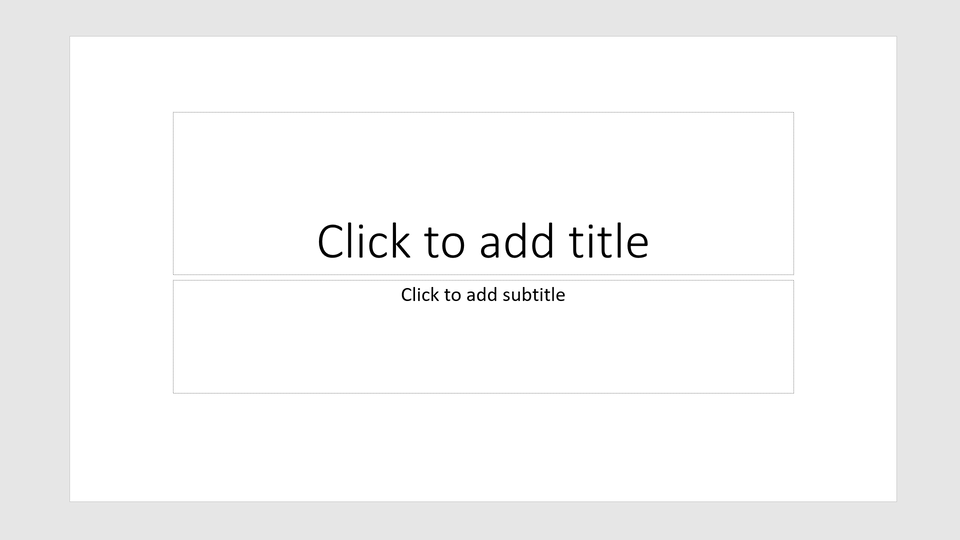
PlaceholderplaceholderPlaceholder - fields with dotted borders that are on the slide layout showing the position and content of the field. In these symbols there are hints (text or graphics) to fill them with. In presentation templatespresentation templatepresentation templates, they can include a custom prompt text that will prompt users to enter a specific type of content.
R1Ax1xKR3wTbR1
Ilustracja przedstawia symbol zastępczy w programie power point. W tym przypadku są to dwie markizy (prostokąty) z napisami Click to add title oraz Click to add subtitle.
After saving the presentation in the default PowerPoint format, you can use the PowerPoint interface to run the presentation. The Slide Showslide showSlide Show ribbon contains the tools: From Beginning, From the Current Slide, Custom Slide Showslide showSlide Show. The first one will display the entire presentation, the second will display the presentation from any slide and the third will allow you to prepare a show in which you will be able to present selected slides of the presentation.
R1MBSoR8TGd3j1
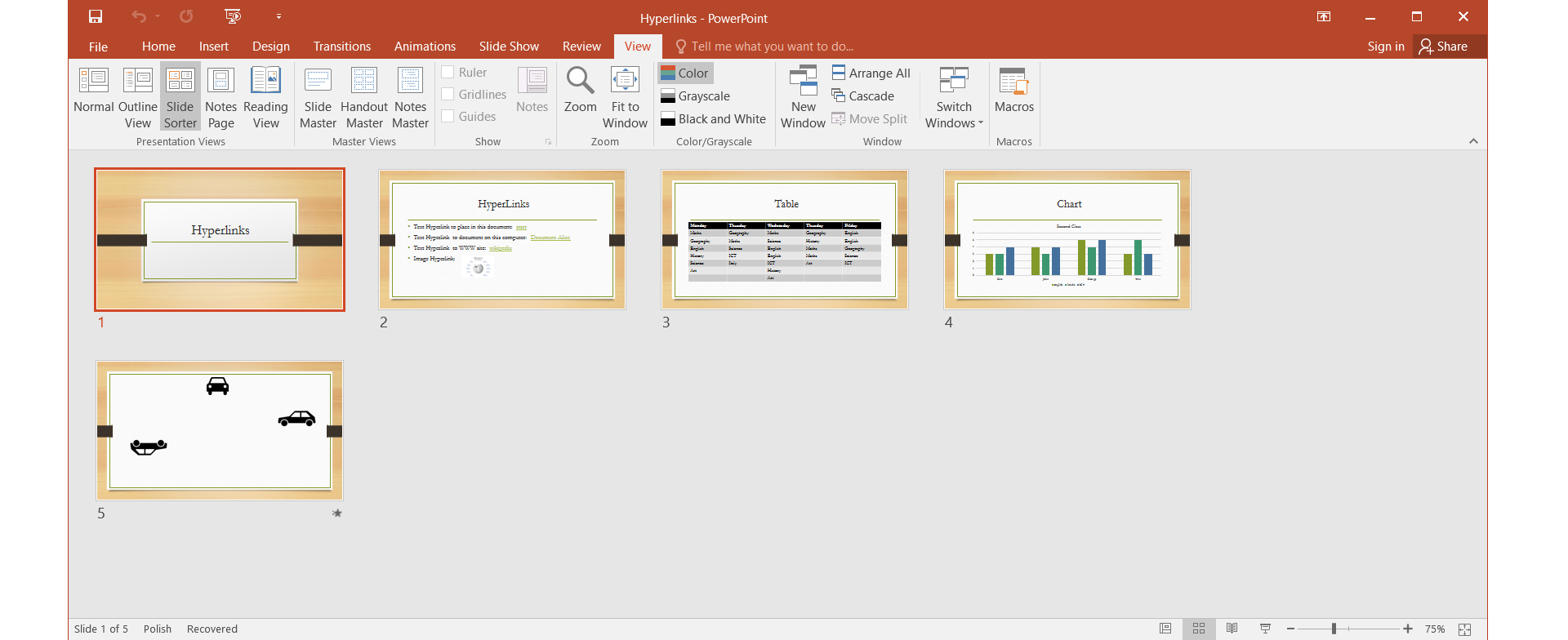
Ilustracja przedstawia widok sortowania slajdów w programie do tworzenia prezentacji MS PowerPoint.
Saving presentations and saving a presentation under a different name or location is an operation analogous to the operation of writing to other Office applications.
Click the Office button and select Save or Save As from the menu. From the drop‑down menu, specify the location of the file, and in the edit window, enter the appropriate name and confirm your choice.
You can also save the presentation using the keyboard shortcut CTRL + S. For the first time a dialog box will appear, in which we will determine the location of the file and its name. The next time you save, the file will be saved in the previously selected location. A good idea is to name the document quickly and to save the document repeatedly while you are working.
On the basis of the presentation plan prepared at home as homework, create a multimedia presentationmultimedia presentationmultimedia presentation using one of the available themes.
Decide which theme and template best suit your topic.
Save the presentation under the name park_narodowy in your own folder.
Add bibligraphy and netography sources if you copy pictures and graphics from the Internet
In the presentation, as a slide background, you can use ready‑made themes built into the program. You have various slide layouts that you can use depending on what you want to place on them.
Remember to save your work at every stage of your work to protect yourself from accidental data loss.
As a slide background, you can use ready‑made themes built into the program. There are various slide layouts that you can use depending on the planned slide content.
Exercises
Exercise 1
Rj1hNG6TCNA3M
Wersja alternatywna ćwiczenia: Decide which sentences describing themes of the presentation are true: Możliwe odpowiedzi: 1. Presentation theme is a predefined set of colours, fonts and effects, and images or background colours., 2. The theme of the presentation is defined by the so-called slide master and applies to all slide layouts., 3. Presentation themes provide a professional look: a matching set of colours, matching backgrounds, fonts and effects., 4. Themes can also be applied to tables, but not to SmartArt graphics., 5. When you edit a slide master, changes are not applied to all slides that use this pattern.
Wersja alternatywna ćwiczenia: Decide which sentences describing themes of the presentation are true: Możliwe odpowiedzi: 1. Presentation theme is a predefined set of colours, fonts and effects, and images or background colours., 2. The theme of the presentation is defined by the so-called slide master and applies to all slide layouts., 3. Presentation themes provide a professional look: a matching set of colours, matching backgrounds, fonts and effects., 4. Themes can also be applied to tables, but not to SmartArt graphics., 5. When you edit a slide master, changes are not applied to all slides that use this pattern.
Decide which sentences describing themes of the presentation are true:
Presentation theme is a predefined set of colours, fonts and effects, and images or background colours.
The theme of the presentation is defined by the so-called slide master and applies to all slide layouts.
Presentation themes provide a professional look: a matching set of colours, matching backgrounds, fonts and effects.
Themes can also be applied to tables, but not to SmartArt graphics.
When you edit a slide master, changes are not applied to all slides that use this pattern.
zadanie
Source: GroMar, licencja: CC BY 3.0.
Exercise 2
Create a multimedia presentation on the topic My way to school.
Use themes or presentation templates.
You can use maps available online.
Consider any places worth seeing on your way to school that you would recommend to a colleague from another town.
In your presentation use photos of these places which your created on your own
Exercise 3
In your notebook, describe in English the theme you chose to create a multimedia presentation on the topic My way to school.
Why did you choose this one? Justify your answer.
Exercise 4
Rh44LLTOT2RGf
Wersja alternatywna ćwiczenia: Indicate which pairs of expressions or words are translated correctly. Możliwe odpowiedzi: 1. prezentacja multimedialna - multimedia presentation, 2. szablon prezentacji - presentation template, 3. motyw prezentacji - presentation theme, 4. slajd - slide, 5. symbol zastępczy - motif, 6. układ slajdu - slide show
Wersja alternatywna ćwiczenia: Indicate which pairs of expressions or words are translated correctly. Możliwe odpowiedzi: 1. prezentacja multimedialna - multimedia presentation, 2. szablon prezentacji - presentation template, 3. motyw prezentacji - presentation theme, 4. slajd - slide, 5. symbol zastępczy - motif, 6. układ slajdu - slide show
Indicate which pairs of expressions or words are translated correctly.
Interaktywna gra, polegająca na łączeniu wyrazów w pary w ciągu jednej minuty. Czas zaczyna upływać wraz z rozpoczęciem gry. Jeden ruch to odkrywanie najpierw jednej potem drugiej karty z wyrazem. Każdy wyraz jest odczytywany. Kolejny ruch to odkrywanie trzeciej i czwartej karty. W ten sposób odsłuchasz wszystkie wyrazy. Nawigacja z poziomu klawiatury za pomocą strzałek, odsłuchiwanie wyrazów enterem lub spacją. Znajdź wszystkie pary wyrazów.
Interaktywna gra, polegająca na łączeniu wyrazów w pary w ciągu jednej minuty. Czas zaczyna upływać wraz z rozpoczęciem gry. Jeden ruch to odkrywanie najpierw jednej potem drugiej karty z wyrazem. Każdy wyraz jest odczytywany. Kolejny ruch to odkrywanie trzeciej i czwartej karty. W ten sposób odsłuchasz wszystkie wyrazy. Nawigacja z poziomu klawiatury za pomocą strzałek, odsłuchiwanie wyrazów enterem lub spacją. Znajdź wszystkie pary wyrazów.
Match Polish terms with their English equivalents.
szablon prezentacji
motyw prezentacji
slide
prezentacja multimedialna
slajd
multimedia presentation
presentation theme/ motif
presentation template
Source: Zespół autorski Politechniki Łódzkiej, licencja: CC BY 3.0.
Glossary
multimedia presentation
multimedia presentation
prezentacja multimedialna
R3F6uWgh299kK1
wymowa w języku angielskim: multimedia presentation
wymowa w języku angielskim: multimedia presentation