Multimedia is content that combines different content forms (text, audio, images, animationsanimationanimations, video) in order to convey information or entertain an audience.
A presentation is a public appearance which aims to present knowledge to an audience by a speaker. A presentation programmepresentation programmepresentation programme is a type software which uses computer graphics to create the sets of consecutively displayed slides presented in order to illustrate a topic in a systematic way.
There are two types of multimedia presentations:
a multimedia presentation which complements a lecture,
In a presentation programmepresentation programmepresentation programme a slideslideslide is a basic element of a presentation – it is the equivalent of a single film frame or a single page of text. The presentation consists of a sequence of slides. When a slide showslide showslide show is run, the slides are displayed on the screen in a defined sequence,
Ilustracja interaktywna przedstawia ikony w trzech rzędach. W pierwszym rzędzie od lewej strony: kartka papieru, lista wypunktowana, diagram. W środkowym rzędzie od lewej strony: obrazek, wykres. W dolnym rzędzie od lewej strony: taśma filmowa, nuta. Aby dowiedzieć się więcej wybierz przycisk oznaczony od 1 do 7. Na ilustracji widoczne są numery, a na nich podpisy. 1. texts {audio}, 2. bulleted lists {audio}, 3. diagrams {audio}, 4. illustrations {audio}, 5. charts {audio}, 6. video files {audio}, 7. audio files {audio}
Ilustracja interaktywna przedstawia ikony w trzech rzędach. W pierwszym rzędzie od lewej strony: kartka papieru, lista wypunktowana, diagram. W środkowym rzędzie od lewej strony: obrazek, wykres. W dolnym rzędzie od lewej strony: taśma filmowa, nuta. Aby dowiedzieć się więcej wybierz przycisk oznaczony od 1 do 7. Na ilustracji widoczne są numery, a na nich podpisy. 1. texts {audio}, 2. bulleted lists {audio}, 3. diagrams {audio}, 4. illustrations {audio}, 5. charts {audio}, 6. video files {audio}, 7. audio files {audio}
What in your opinion are the differences between an individual autopresentation and a presentation that complements a lecture? (Different content and forms of presentation: manual or automatic.)
AnimationanimationAnimation is the art of creating moving images. Animations can be two- or three‑dimensional. In the software for creating presentation animations are used to achieve visual effects such as: entrance, exit, the change of colour and size, and even the impression of motion.
Slide transitionsslide transitionsSlide transitions are the animationanimationanimation effects that occur when you move from one slideslideslide to the next during a presentation. You can control the speed and adjust the properties of transition effects. Sound can be also added to transitions.
The design process of a presentation, easy though it may be, should include the following stages:
plan the presentation;
create the appropriate number of slides;
add content to the slides;
define the parameters of displaying the presentation;
link the slides with one another and with other documents;
On the Internet find the examples of presentation that are inadequately designed. Notice if the backgroundbackgroundbackground applied to the slide is appropriate, whether it facilitates the reception of the content, if the text is readable, etc. Think about the solutions in order to correct the design of the presentations you have found.
choose the type and size of fontfontfont so that the text is readable and visible from a long distance;
match the illustrationsillustrationillustrations with the content of the slideslideslide;
reduce the amount of text on the slide;
plan the layout of all elements of the slide;
match the colours of the backgroundbackgroundbackground and fonts.
Exercises
Exercise 1
RZDGhaHBPdQMM
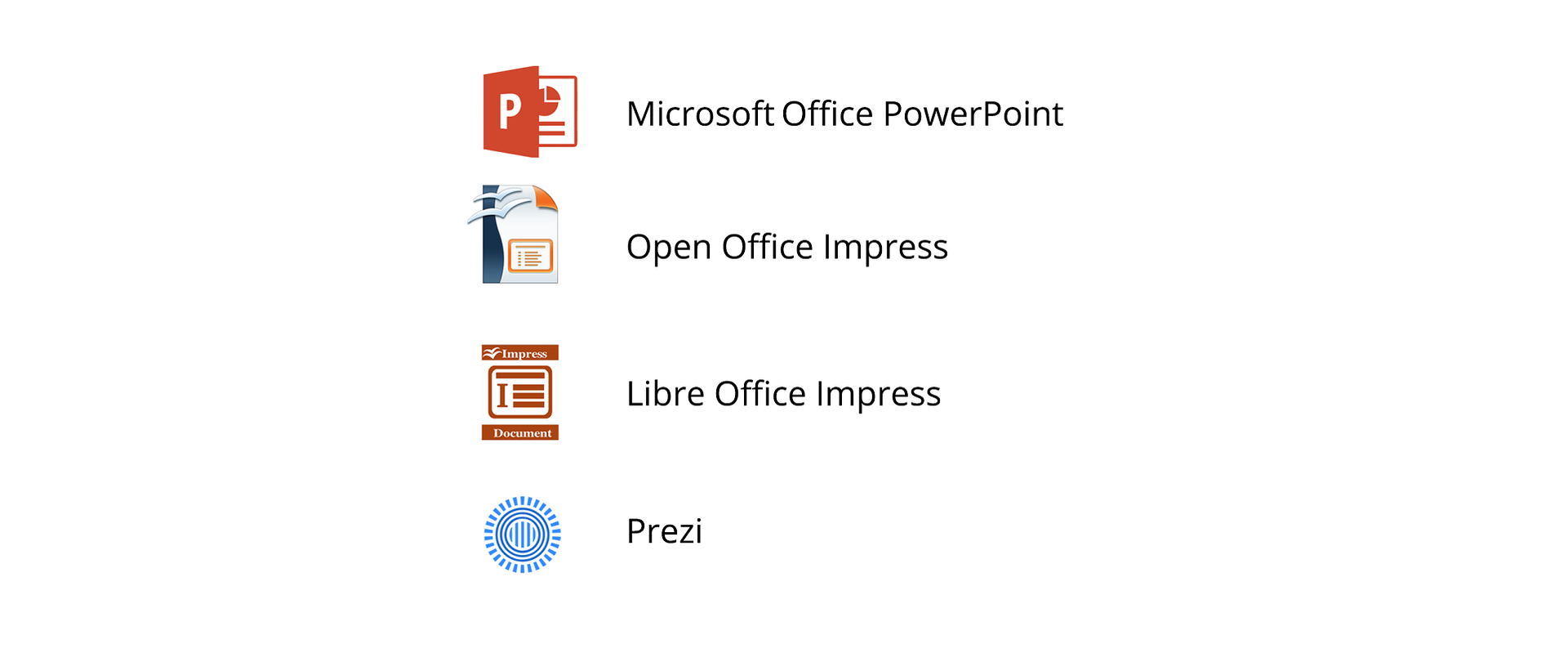
Wersja alternatywna ćwiczenia: Identify the programmes for creating presentations: Możliwe odpowiedzi: 1. Microsoft PowerPoint, 2. OpenOffice Impress, 3. Libra Office Impress, 4. Prezi, 5. Gimp, 6. PhotoFiltre, 7. Irfanview
Wersja alternatywna ćwiczenia: Identify the programmes for creating presentations: Możliwe odpowiedzi: 1. Microsoft PowerPoint, 2. OpenOffice Impress, 3. Libra Office Impress, 4. Prezi, 5. Gimp, 6. PhotoFiltre, 7. Irfanview
Identify the programmes for creating presentations:
Microsoft PowerPoint
OpenOffice Impress
Libra Office Impress
Prezi
Gimp
PhotoFiltre
Irfanview
zadanie
Source: GroMar, licencja: CC BY 3.0.
Exercise 2
R1JSDAAMxjfxi
Wersja alternatywna ćwiczenia: Identify the features of a good presentation: Możliwe odpowiedzi: 1. The text is readable and visible from a small distance, 2. Match the illustrations to the content of the slide, 3. Do not limit the amount of text on the slide, 4. Plan the layout of all elements of the slide, 5. The colours of the background and fonts should be matched and consistent
Wersja alternatywna ćwiczenia: Identify the features of a good presentation: Możliwe odpowiedzi: 1. The text is readable and visible from a small distance, 2. Match the illustrations to the content of the slide, 3. Do not limit the amount of text on the slide, 4. Plan the layout of all elements of the slide, 5. The colours of the background and fonts should be matched and consistent
Identify the features of a good presentation:
The text is readable and visible from a small distance
Match the illustrations to the content of the slide
Do not limit the amount of text on the slide
Plan the layout of all elements of the slide
The colours of the background and fonts should be matched and consistent
zadanie
Source: GroMar, licencja: CC BY 3.0.
Exercise 3
Think about the presentation on your favourite book, film or game. Plan the number of slides, their content and the elements which you would like to use. Tell about it in English.
Exercise 4
R4sFOAAAyxtLf
Wersja alternatywna ćwiczenia: Indicate which pairs of expressions or words are translated correctly. Możliwe odpowiedzi: 1. prezentacja multimedialna - multimedia presentation, 2. slajd - slide, 3. animacja - animation, 4. przejścia slajdów - slide transitions, 5. pokaz prezentacji - presentation programme, 6. czcionka - background
Wersja alternatywna ćwiczenia: Indicate which pairs of expressions or words are translated correctly. Możliwe odpowiedzi: 1. prezentacja multimedialna - multimedia presentation, 2. slajd - slide, 3. animacja - animation, 4. przejścia slajdów - slide transitions, 5. pokaz prezentacji - presentation programme, 6. czcionka - background
Indicate which pairs of expressions or words are translated correctly.
Interaktywna gra, polegająca na łączeniu wyrazów w pary w ciągu jednej minuty. Czas zaczyna upływać wraz z rozpoczęciem gry. Jeden ruch to odkrywanie najpierw jednej potem drugiej karty z wyrazem. Każdy wyraz jest odczytywany. Kolejny ruch to odkrywanie trzeciej i czwartej karty. W ten sposób odsłuchasz wszystkie wyrazy. Nawigacja z poziomu klawiatury za pomocą strzałek, odsłuchiwanie wyrazów enterem lub spacją. Znajdź wszystkie pary wyrazów.
Interaktywna gra, polegająca na łączeniu wyrazów w pary w ciągu jednej minuty. Czas zaczyna upływać wraz z rozpoczęciem gry. Jeden ruch to odkrywanie najpierw jednej potem drugiej karty z wyrazem. Każdy wyraz jest odczytywany. Kolejny ruch to odkrywanie trzeciej i czwartej karty. W ten sposób odsłuchasz wszystkie wyrazy. Nawigacja z poziomu klawiatury za pomocą strzałek, odsłuchiwanie wyrazów enterem lub spacją. Znajdź wszystkie pary wyrazów.
Match Polish terms with their English equivalents.
prezentacja multimedialna
presentation programme
multimedia presentation
animation
slide transitions
slajd
przejścia slajdów
animacja
grafika prezentacyjna
slide
Source: Zespół autorski Politechniki Łódzkiej, licencja: CC BY 3.0.
Glossary
multimedia presentation
multimedia presentation
prezentacja multimedialna
R3F6uWgh299kK1
wymowa w języku angielskim: multimedia presentation
wymowa w języku angielskim: multimedia presentation