Our neighbours
to modify photographs using a graphic program,
to create tables and charts in a spreadsheet,
to create an advanced multimedia presentation using animation.
The aim of your project is to prepare multimedia presentations on the countries neighbouring Poland. Performing the work will be easier if you do it together with others, preferably in a two or three‑person group.
Preparation for the presentation:
Use email to send information to your teacher about the division of roles in the team preparing the project. In the email, also write the schedule of the team's activities.
In available sources, search for information on countries neighbouring Poland. In free from copyright resources, find photos of landmarks specific to each country and information about them, including: area, population, length of the border with Poland.
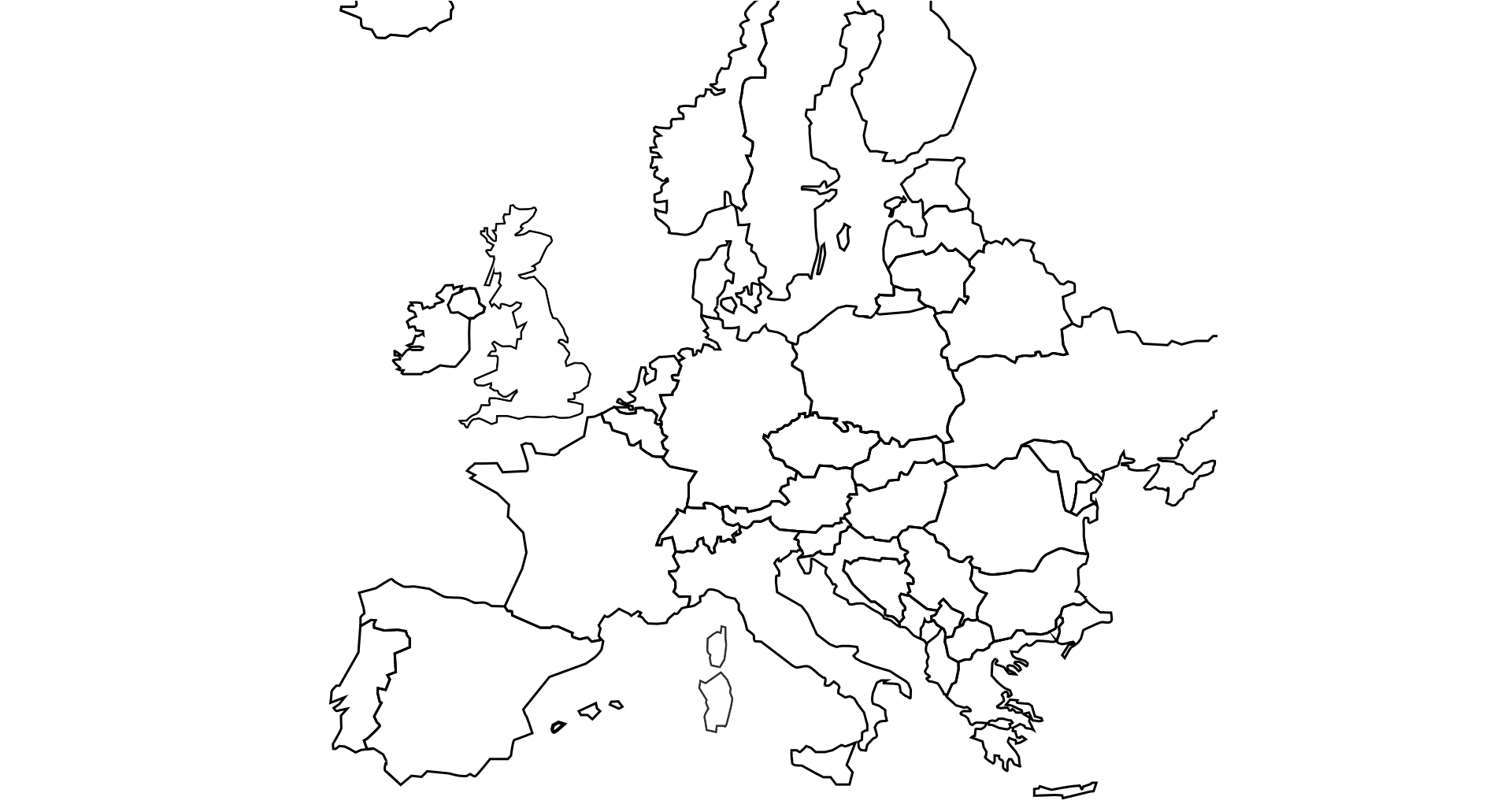
In the graphic program, prepare a drawing showing a map of part of Europe covering Poland and neighbouring countries.
In the graphics program, prepare drawings showing the flags of our neighbours. Save them in PNG format.
In the graphic program, modify the selected photos to be placed in the presentation, i.e. adjust the size, crop according to the rules of compositionrules of composition, improve the contrast, brightness and colours, and highlight the most important details of these photos.
In the spreadsheet, make a list of countries neighbouring with Poland:
In separate columns, enter the length of the common border of a given country with Poland, its area, population,
In the next column, calculate the population density of each country,
Format the table containing the above information and sort the data from the largest to the smallest common border length,
Make a chart showing the length of the border with individual neighbours. Choose the type of chart that best suits you.
To complete the project, you need a computer workplace equipped with:
raster graphic processing program,
spreadsheet,
program for creating multimedia presentations,
connection to the Internet allowing you to search information in online resources.
You already have all the materials you need to prepare a multimedia presentation. Before you start creating it in the program you choose, carefully plan it. Think about the layout and contentcontent of the subsequent slides. Think about how you present them.
In the program for creating a multimedia presentation:
prepare the title pagetitle page containing the title, names (and surnames) of people who prepared it, date, you can also add graphic elements,
on the next slide, place a prepared map of part of Europe covering Poland and neighbouring countries as a slide background. Place the prepared country flags in the appropriate places on the map.
on the next slides, provide information about Poland's neighbours. One slide for each country. Arrange all the elements while maintaining the rules of compositionrules of composition. On each slide, insert the photo with a landmark, flag and concise information. On all slides, apply unified entrance animationentrance animation of individual elements.
on the next slide, place the statistical informationstatistical information and the chart made in the spreadsheet. Take advantage of the ability to copy and paste objects between documents.
on a separate slide, put the sources you used to get the information for the presentation.
Take care of the presentation aesthetics. Decide on one font style. Choose colours carefully. Arrange all the elements while maintaining the rules of compositionrules of composition.
Consider a method of presenting the slides to gain interest in the audience. To do this, use:
selected entrance and exit animations of elements in the slides,
choose slide transitions.
Save the presentation in the selected location on your computer's disk. Copy the presentation file to the virtual disk. Beforehand, agree the choice of this drive with the teacher. Share it with your teacher.
Get ready to present your work. Practice the presentation in front of the mirror or the group with which you have prepared it together. Hold on to the allotted time. Ensure that all necessary devices are connected to the computer before you present it in the classroom.
Exercises
Which sentence is true?
- You cannot enter formulas into spreadsheet cells.
- The PNG file format compresses images, significantly increasing their size.
- The PNG file format compresses images, significantly increasing their size.
- Operations on files and folders can be performed on individual files, folders or on a selected group of files.
On the slide on which you have a map with flags, use the animation. Customize the appearance of flags on the background of individual countries with the pace of your speech.
Explain in English how you can create a chart in a spreadsheet.
Indicate which pairs of expressions or words are translated correctly.
- informacje statystyczne - statistical information
- strona tytułowa - title page
- zawartość - content
- kompresja - compression
- źródło - rules of composition
- animacja wyjścia - entrance animation
- statistical information
- strona tytułowa
- compression
- kompresja
- title page
- zawartość
- content
- informacje statystyczne
Glossary
kompresja
Nagranie dostępne na portalu epodreczniki.pl
wymowa w języku angielskim: compression
zawartość
Nagranie dostępne na portalu epodreczniki.pl
wymowa w języku angielskim: content
animacja wejścia
Nagranie dostępne na portalu epodreczniki.pl
wymowa w języku angielskim: entrance animation
animacja wyjścia
Nagranie dostępne na portalu epodreczniki.pl
wymowa w języku angielskim: exit animation
zasady kompozycji
Nagranie dostępne na portalu epodreczniki.pl
wymowa w języku angielskim: rules of composition
źródło
Nagranie dostępne na portalu epodreczniki.pl
wymowa w języku angielskim: source
informacje statystyczne
Nagranie dostępne na portalu epodreczniki.pl
wymowa w języku angielskim: statistical information
strona tytułowa
Nagranie dostępne na portalu epodreczniki.pl
wymowa w języku angielskim: title page
Keywords
compressioncompression
contentcontent
statistical informationstatistical information
title pagetitle page