Prezentacja multimedialna
To participate in an online class, you should know how to use your equipment appropriately, use the language in a way that others can clearly understand, and protect your privacy. Here is a multimedia presentation that explains all these. Study it and complete the exercises below.
Aby brać udział w lekcji online, powinieneś/powinnaś wiedzieć, jak właściwie korzystać ze sprzętu, jak używać języka w taki sposób, aby inni mogli cię zrozumieć oraz jak chronić swoją prywatność. Oto multimedium, które wyjaśnia to wszystko. Przestudiuj je i wykonaj poniższe ćwiczenia.

Match the words with their definitions.
Look at the definitions below and find the words related to using the internet for learning. Search up, down, forward and backward to find the hidden words.
Study the presentation showing some tips on how to behave on the internet, and do the exercises.
Camera On
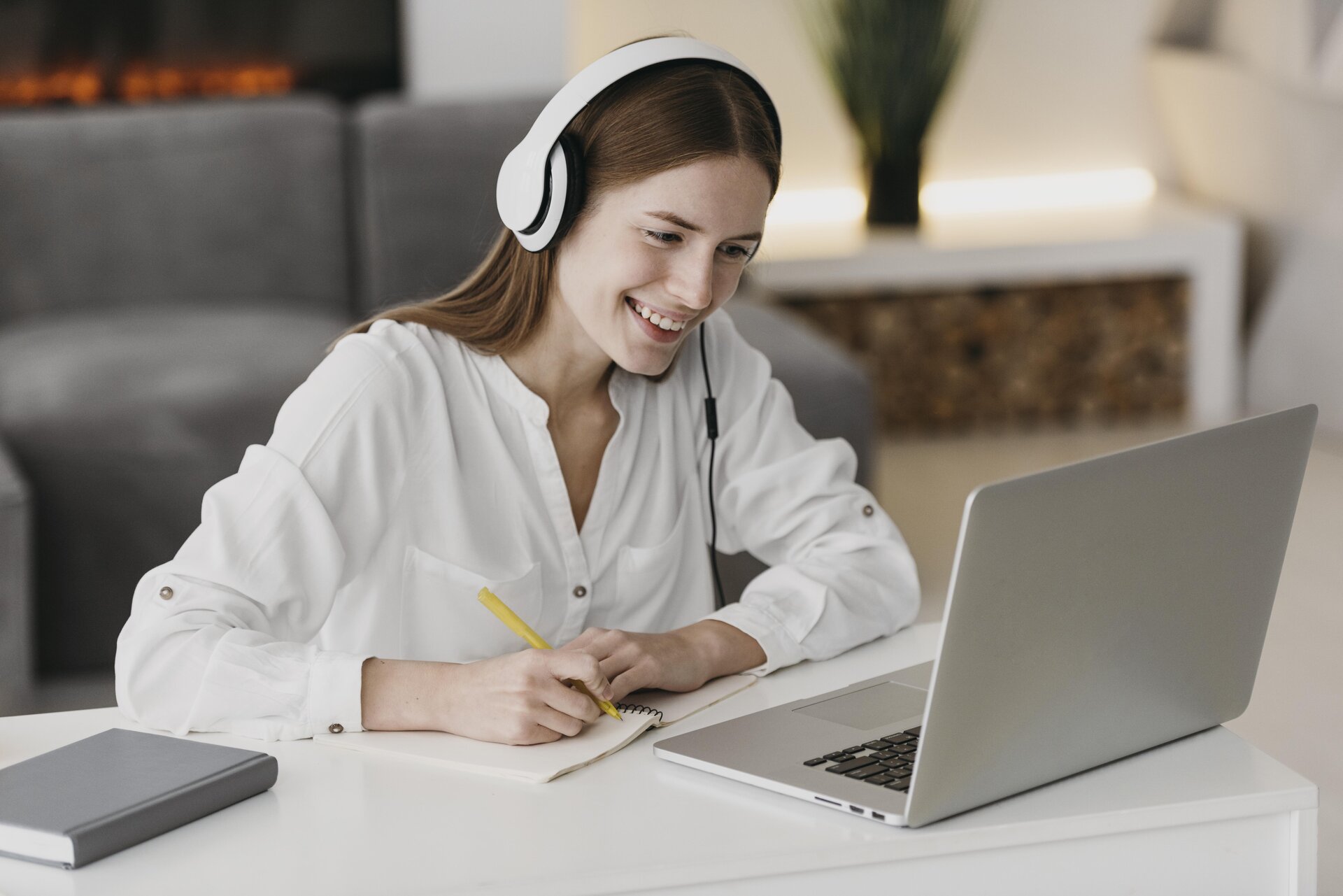
We have all been there: you enter the online lesson room, show yourself on the camera, and a few minutes later switch it off. People do it for various reasons: some are shy, and some don’t want their teachers to see that they are not focusing on the lesson. But if you ever tried talking to a group of faceless avatars on your screen, you will know how uncomfortable an experience it is. Teachers need to have contact with their students when teaching online, just as they would in a normal classroom. This helps them to have a relationship with the group. It’s good to show your teacher some understanding of these things and leave your cam on.
You Are Being Watched!

Film dostępny pod adresem /preview/resource/RZpTCaFRUsMZr
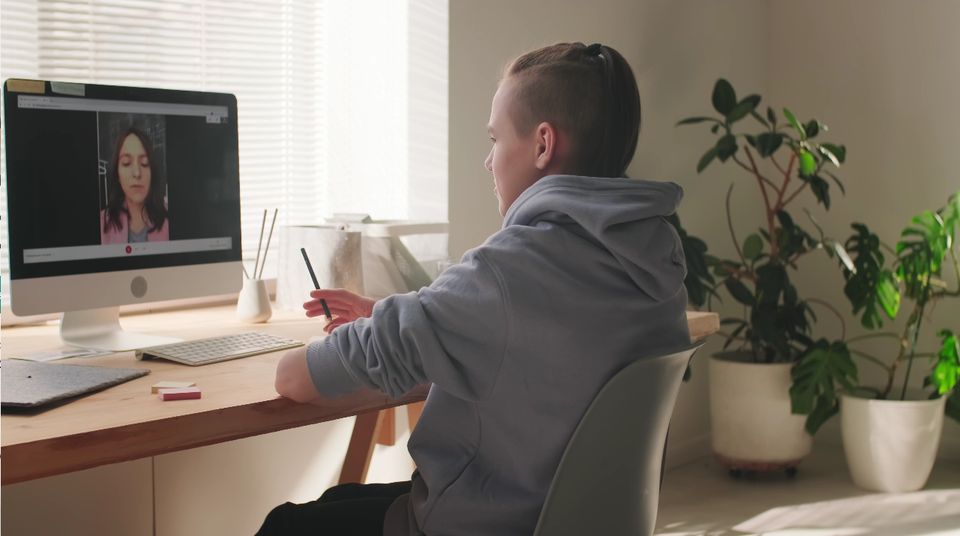
Krótki filmik przedstawia chłopca, w ujęciu z lewego boku, który siedzi przy biurku, przed monitorem komputera. Chłopiec ma ciemne włosy, wygolone na bokach i związane w kucyk na górze głowy. Jest ubrany w szarą bluzę z kapturem. Na biurku widoczne są również: klawiatura komputera, zeszyt, karteczki samoprzylepne, pojemnik z ołówkami, myszka do komputera. Na monitorze widoczna jest twarz kobiety w wieku około 30 lat, na na tle czarnej tablicy szkolnej. Chłopak w prawej ręce trzyma ołówek, którym coś zapisuje i prowadzi rozmowę z kobietą widoczną na ekranie komputera.
I will never forget one lesson, in which I really made a fool of myself. I had overslept that morning and only had time to put my school jumper on before the class. When I had to stand up to reach for a book during my lesson, suddenly everyone saw that I was wearing my pyjama trousers! Well, this wasn’t amusing at that time. Remember that many details are well visible on your camera, so tidy up your room and make sure you are wearing suitable clothes before you connect. Watch out for background noises, too. Your younger siblings crying in another room and a barking dog may disturb your peers in an online lesson, so mute the microphone when this happens.
Don’t Send Random Things

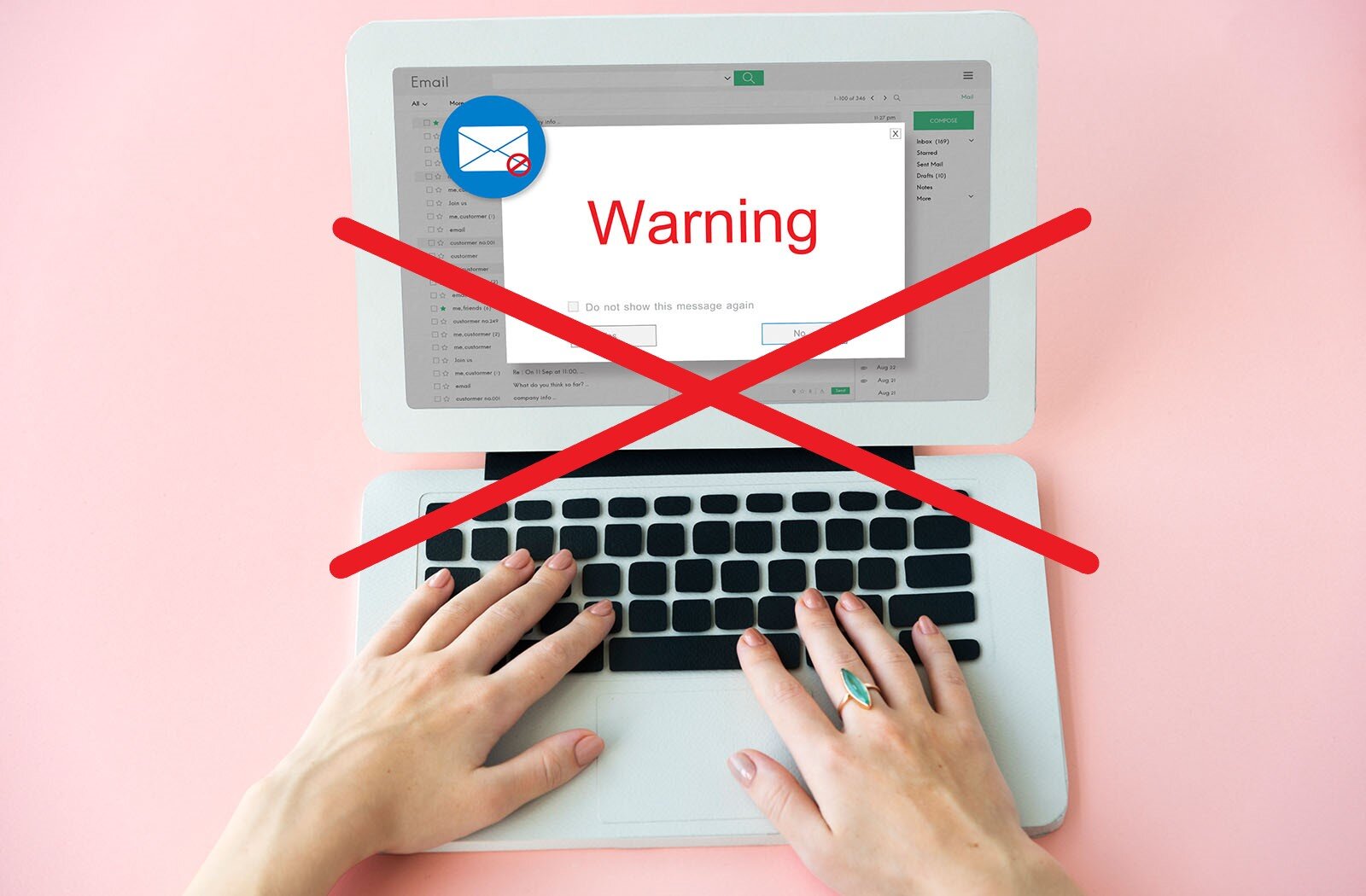
Being in an online lesson, you'll have great opportunities to network with other students. But don’t take advantage of your connection with the other people in your online classroom to forward emails and links regarding your political or spiritual beliefs or to sell them something. Not only can it be illegal, but it is also a serious breach of the netiquette.
Correct Grammar

Always make an effort to use proper punctuation, spelling, and grammar. Trying to make out the meaning of misspelt words with unclear punctuation frustrates the reader and distracts your attention from the point of your message. While this is something you should pay attention to for all your virtual communication, it’s especially important for the papers and assignments you’ll have to turn in. After all, you wouldn’t want to fail just because of a few missing commas, would you?
Be Polite

Film dostępny pod adresem /preview/resource/R18SsbAbsPGxj
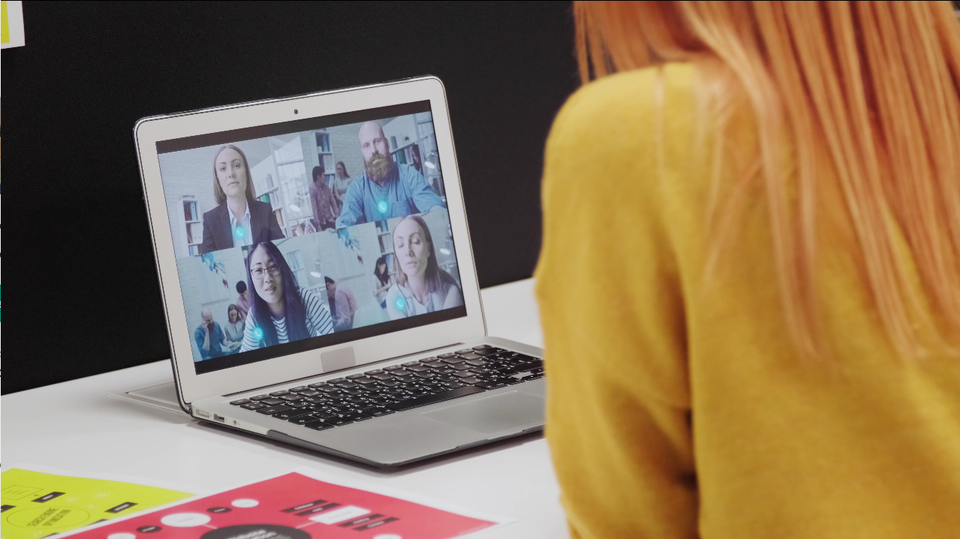
Krótki filmik przedstawia fragment kobiety siedzącej przy biurku, w ujęciu z tyłu, przed którą stoi otwarty laptop. Na laptopie wyświetlone są cztery postacie: trzy młode kobiety i jeden młody mężczyzna, którzy prowadzą konwersację.
Every day may feel like casual Friday in an online classroom where you don’t see anyone in person. Still, a certain level of formality is still expected in your communication with teachers. In addition to proper punctuation and spelling, it’s good manners to be polite, use full sentences, and even the same old “please” and “thank you” you use in real life.
Using Emojis

Film dostępny pod adresem /preview/resource/RU6oGBbENaQax
Krótki filmik przedstawia baloniki z emotikonami spadające na sprężynującą niebieską tkaninę. Po odbiciu się od tkaniny kuliste baloniki nabierają powietrza i osiadają na tkaninie. Widoczne są trzy żółte kule z szerokim uśmiechem, smutną miną i czerwonym serduszkiem; duża, czerwona kula z białym serduszkiem; i mała, niebieska kula z białą dłonią z kciukiem w bok.
Emoticons, or emojis, are a useful way to hint to other students that you are happy, amused, sad, or angry. It’s totally correct to use them in a student forum or when chatting with your online classroom friends. But in formal emails or messages to a teacher, they may not be fine. Spare teachers your emojis and never use them in tests or assignments; they may even lower your mark sometimes!
Submitting Your Work
When submitting your work outcomes, you should make sure they are accessible to teachers. They will need to be able to read it, before they can mark your work.
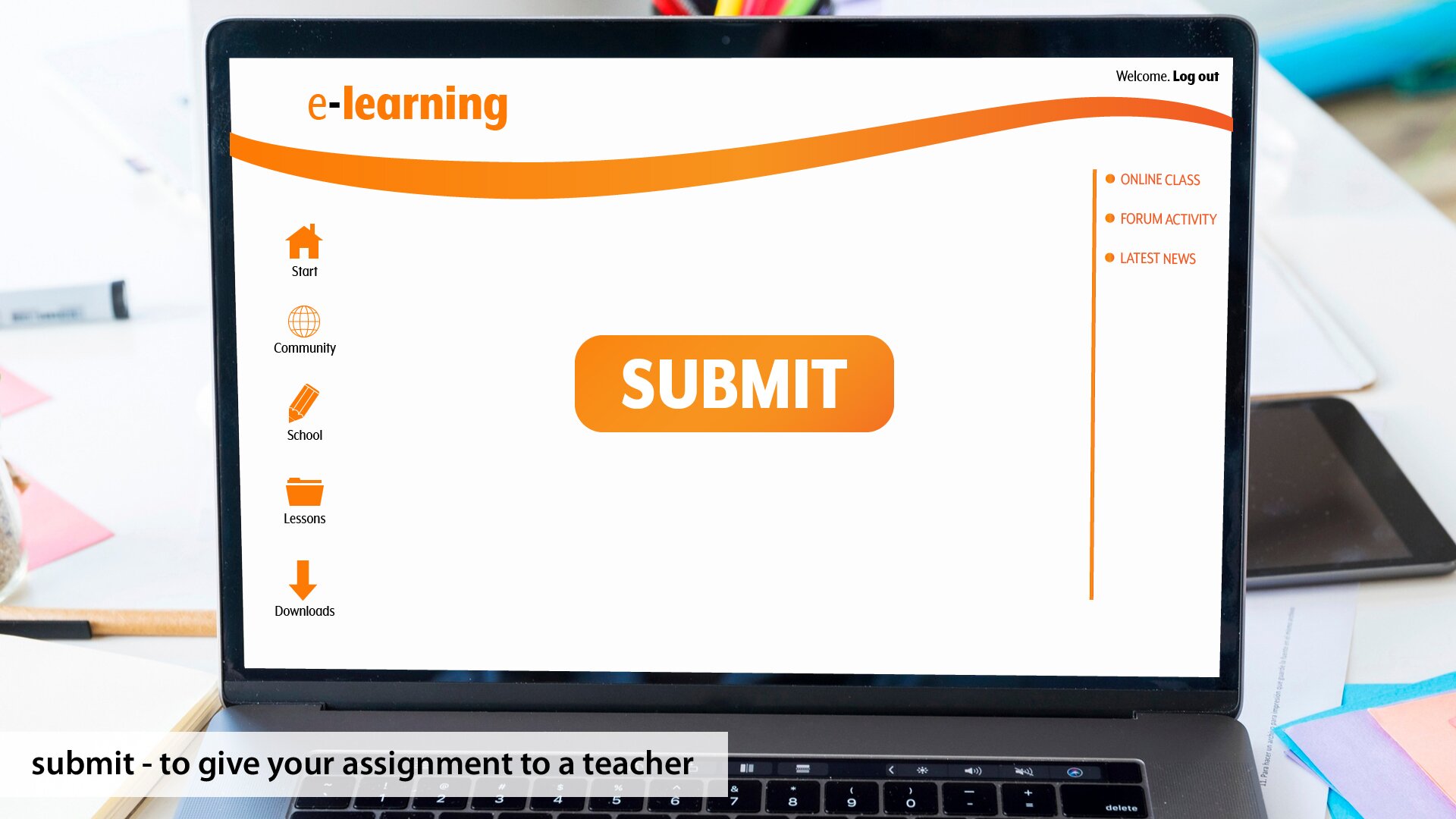
If you don’t need to handwrite assignments and hand them to your teacher in person, knowing how to properly submit your work online is key to your success as an online student. Teachers will tell you how they want you to send your essays and homework, so ignoring this information is seen as bad netiquette.
Read Before Sending

Film dostępny pod adresem /preview/resource/RZh2j4wTYjAFx
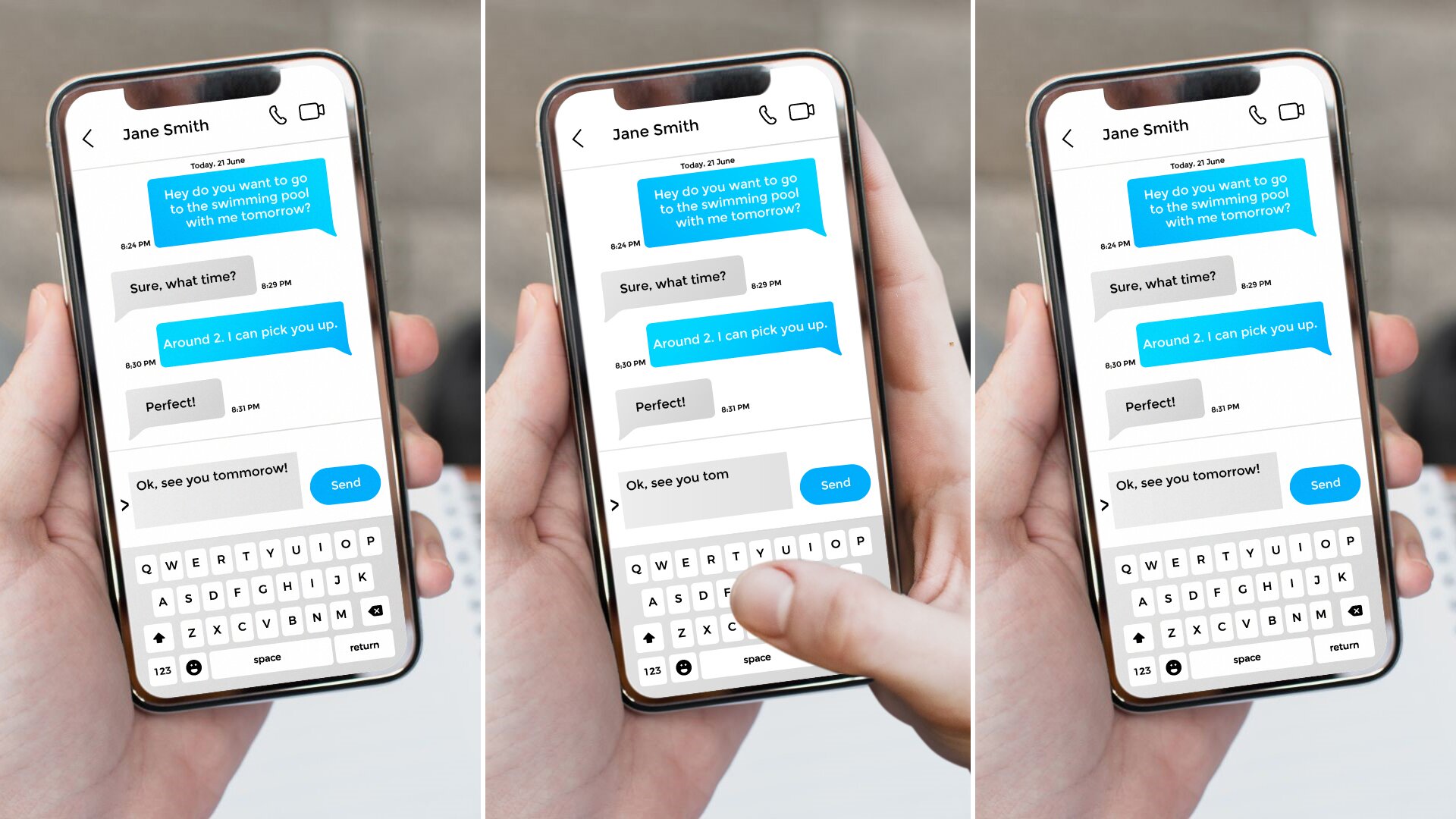
Krótki filmik przedstawia zbliżenie na czarną klawiaturę komputera. Widoczny jest palec wskazujący, który najpierw zbliża się do klawisza ENTER, a następnie dotyka klawisza ze strzałką w lewo, aby ponownie zatrzymać się nad klawiszem ENTER i w końcu kliknąć klawisz ze strzałką w lewo.
A comment spoken in class can be forgotten a few minutes later, but what you share in an online classroom or send in an email will stay. You should always check your emails to teachers carefully before sending them. Spelling and grammar are important elements of netiquette.
Once on the Internet, Always on the Internet
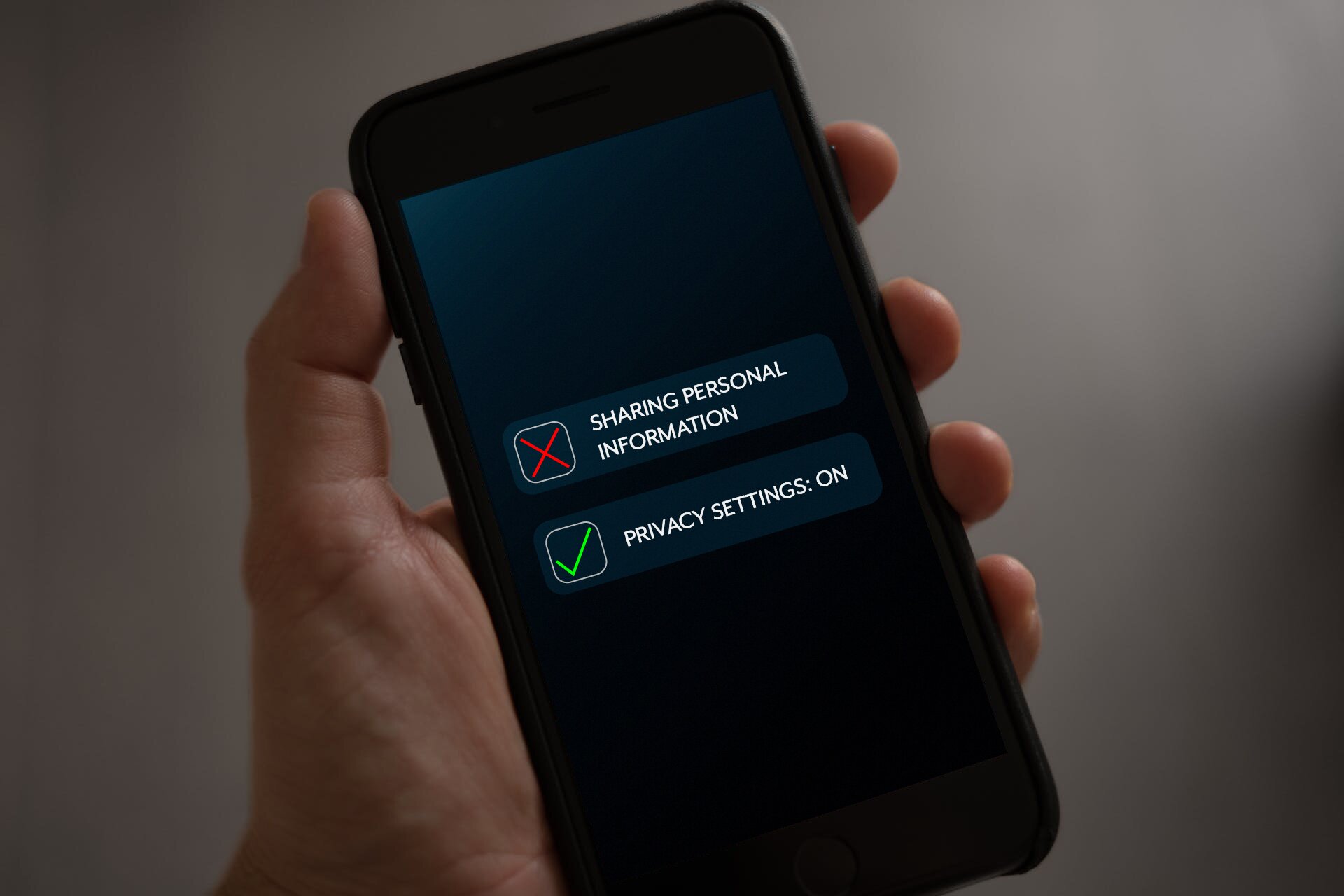
Whether or not privacy settings are in place, the internet has a tendency to house things forever, and what you say privately can easily become public. Don’t share personal information about yourself in a chat or a public online forum, especially something that could put your safety or security at risk.
Privacy Matters

Film dostępny pod adresem /preview/resource/R1UXOPWRhWiPd
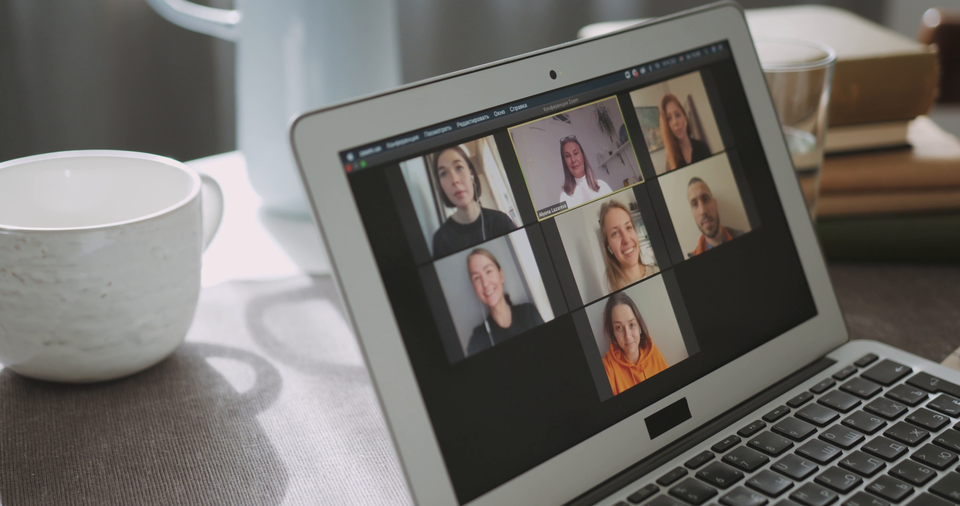
Krótki filmik przedstawia otwarty laptop stojący na biurku. Na monitorze laptopa widoczne jest siedem pól z różnymi osobami, które biorą udział w spotkaniu online. Część z osób ma słuchawki w uszach. Osoby uśmiechają się, machają, mówią, gestykulują. Na biurku za laptopem widoczny jest biały kubek, stos książek, szklanka z wodą.
Just as we care for protection of our personal details on the internet, we should also protect other people’s privacy. Remember never to give out another student’s personal email address or other details without permission. Posting other students’ or teachers’ pictures, or even tagging them on learning platforms or social media, is something you should never do unless you make sure they are completely comfortable with it.
BUBBLE MAP
Do you remember the most important information from the slides? Analyse the bubble map below to revise!
Drag and drop the words that appeared in the slides to fill in the gaps. Two words don't fit any gap.
Indeks dolny Źródło: GroMar Sp. z o.o., licencja: CC BY‑SA 3.0. Indeks dolny koniecŹródło: GroMar Sp. z o.o., licencja: CC BY‑SA 3.0.
Does your class follow netiquette? Describe the behaviour of students during online lessons. Write 4‑5 sentences.
Students in my class… Most people… I’ve never seen… However…
Students in my class usually follow netiquette. Most people have their cameras on and they submit assignments according to the teacher’s rules. I’ve never seen anyone send emojis or links to a teacher. However, students don’t always use correct grammar and they send a lot of links to each other.